|
<< Click to Display Table of Contents >> Create a Drawing Properties Link |
  
|
|
<< Click to Display Table of Contents >> Create a Drawing Properties Link |
|
Drawing Property Links map/copy data from a data source into Plant 3D drawing properties. It works like the Update Link but for drawing properties only.
A link with the project created during this chapter is at the end of this chapter.
For this example the data source is a simple SQLite table. Other data sources can be used too (see Use SQL-Server, Use MS Access, Use MS Excel). The Plant 3D databases can be used too (see Getting Tag from connected objects into instruments).
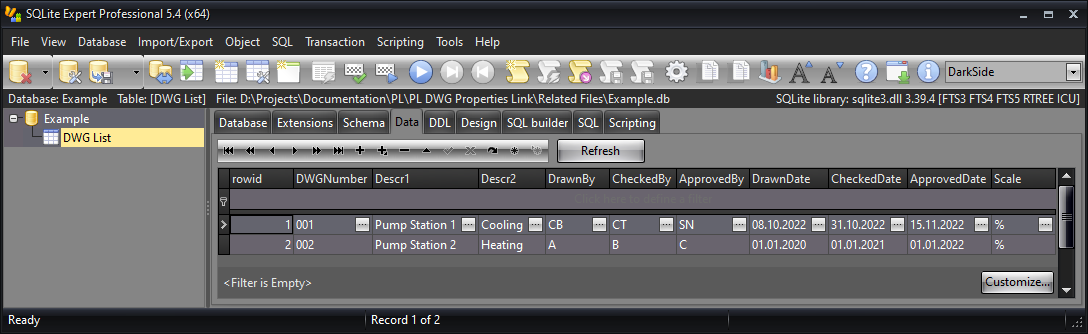
The table we use in this example has 10 columns. The column rowid is shown by default, but doesn't exist in the table. We want to bring in the data of all columns except DWGNumber which we wil luse to link the rows from the table to the drawings. This example is supposed to simulate some sort of drawing list often used by customers.
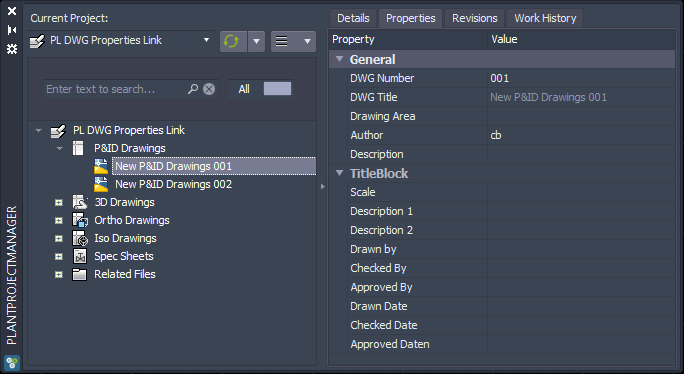
In the drawing properties we will use DWG Number to link the drawing to the rows in the table.
|
 Setting up the Link Configuration
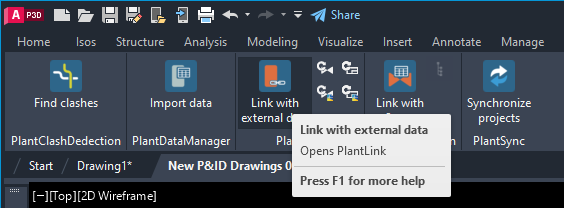
To setup a link configuration we need to open the main user interface of PlantLink from the PlantTools ribbon.
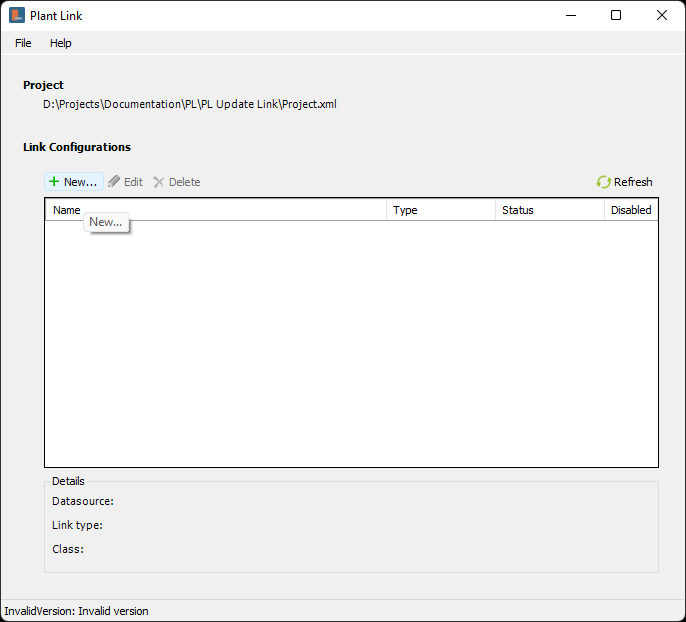
Next you click on New... to create a new Link Configuration.
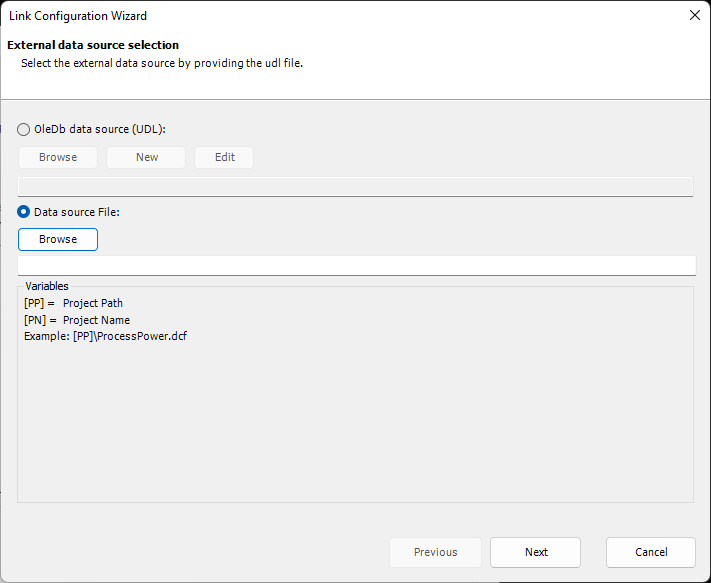
This opens the PlantLink Wizard. Since we are using an SQLite database you select Data Source File:. For all other data sources you have to use a UDL file. More about this under Use SQL-Server, Use MS Access, Use MS Excel. Click on Browse to open the file selector.
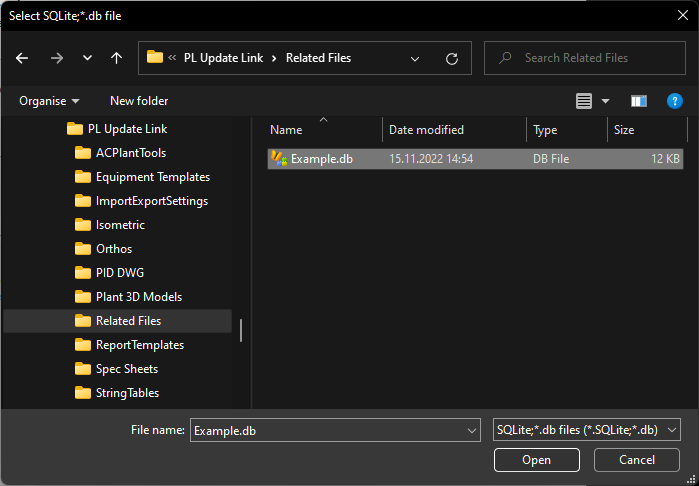
In this example, the SQLite database is stored in the Related Files folder in our project.
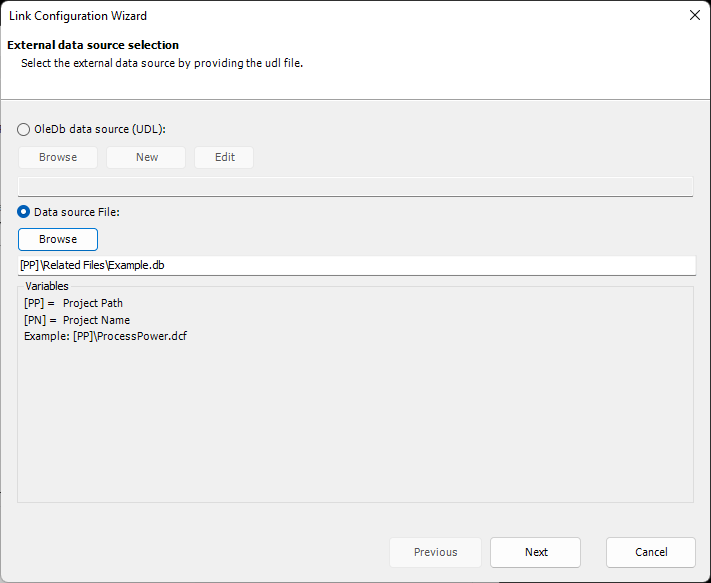
After you click Open the Wizard checks if the path to the database file can be change to a relative path. This makes it easier in case you later want to copy the project. Then there is no need to adapt the Link Configuration.
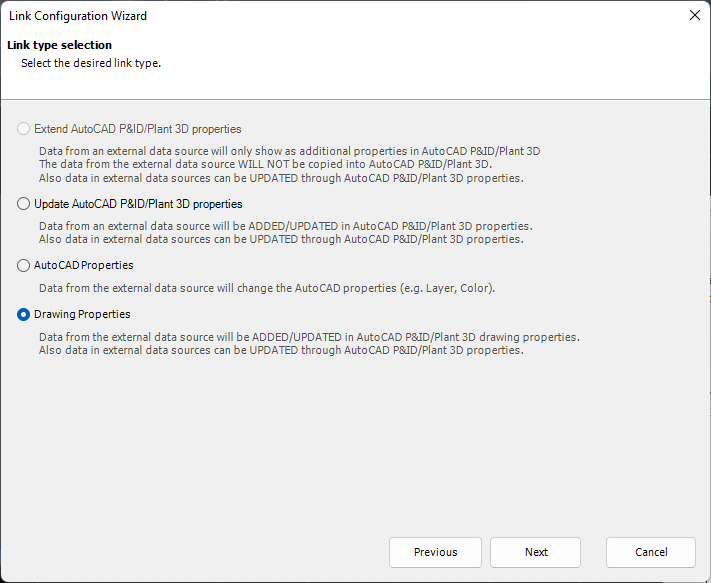
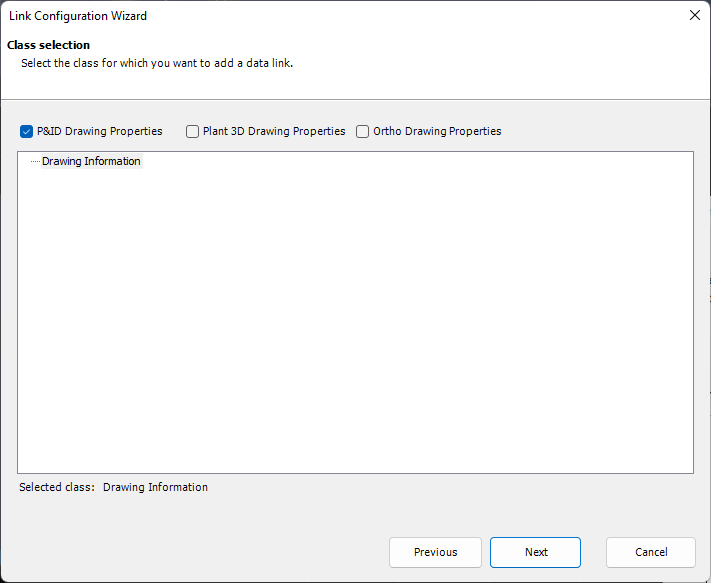
We keep the default selection Drawing Properties.
When using Drawing Properties link, the class is predetermined. But you can decide if the link configuration should only consider P&ID drawings (default) or also 3D and/or Ortho drawings. Since there are only PID drawings in this sample project, P&ID only is enough.
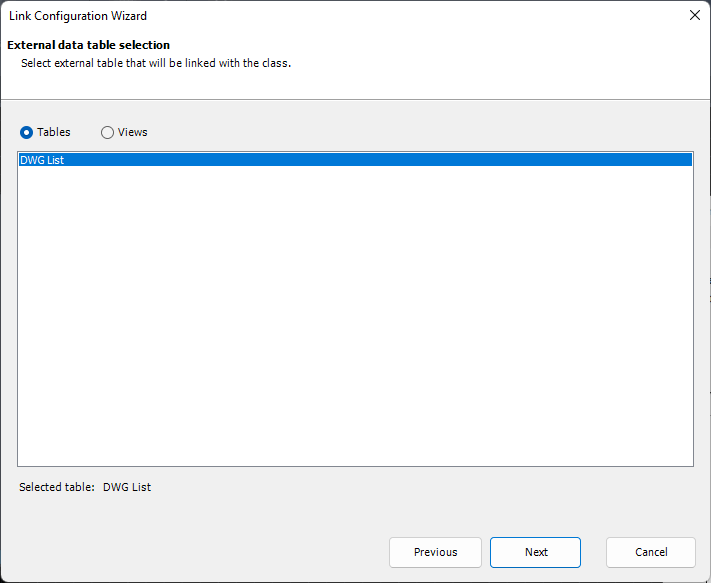
You can select Tables and Views from the database file. But in this case there is just one table available.
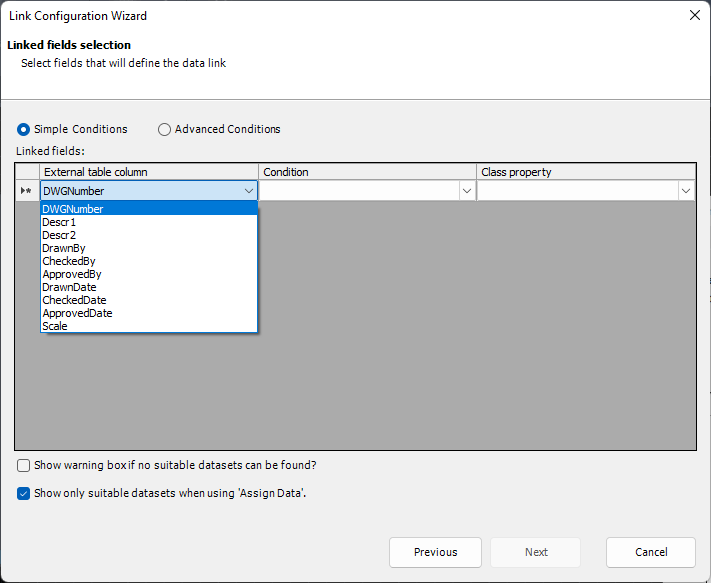
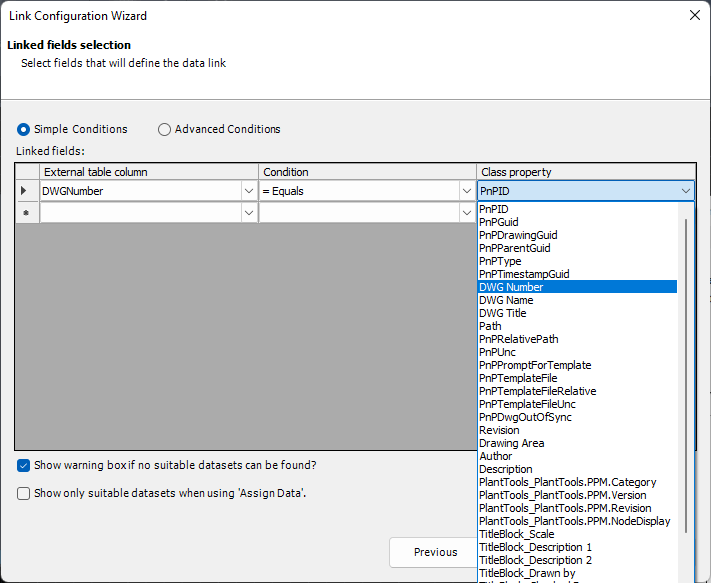
Now we need to define the linked fields. This essentially tells PlantLink how to find suitable rows/datasets in the table. It more or less filters the table. In this example, we use the DWGNumber from the table which contains the drawing number.
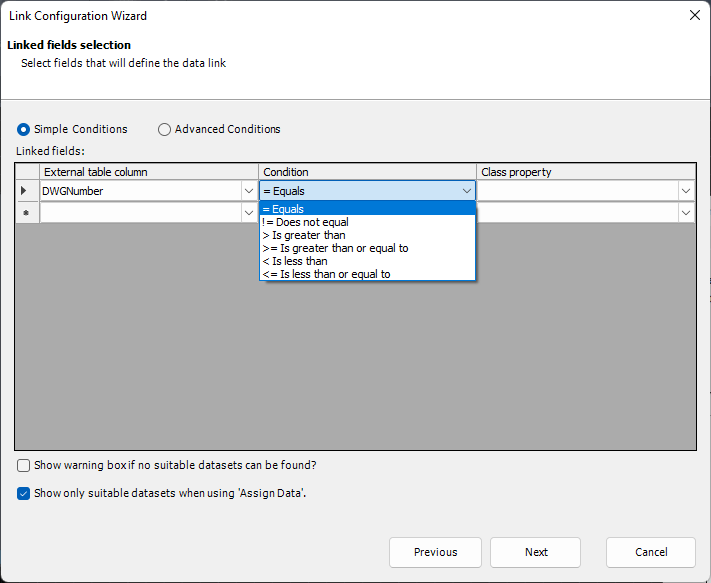
There are some standard Conditions available. We select = Equals, because the drawing number is used to filter for DWGNumber in the table.
Select DWG Number from the list of drawing properties. The option Show warning box if no suitable datasets can be found opens a warning dialog informing you, that PlantLink couldn't find anything based on the linked column/property. In our case we can check this in case we get a warning if no row for our drawing exists in the table. Show only suitable datasets when using 'Assign Data' later limits the presented rows/datasets to only the ones where the linked columns/properties meet the set conditions. Otherwise the PlantLink - External Database Viewer will show all rows/datasets from the table. But in this case we can uncheck this option, because there will be only one row in the table for a drawing.
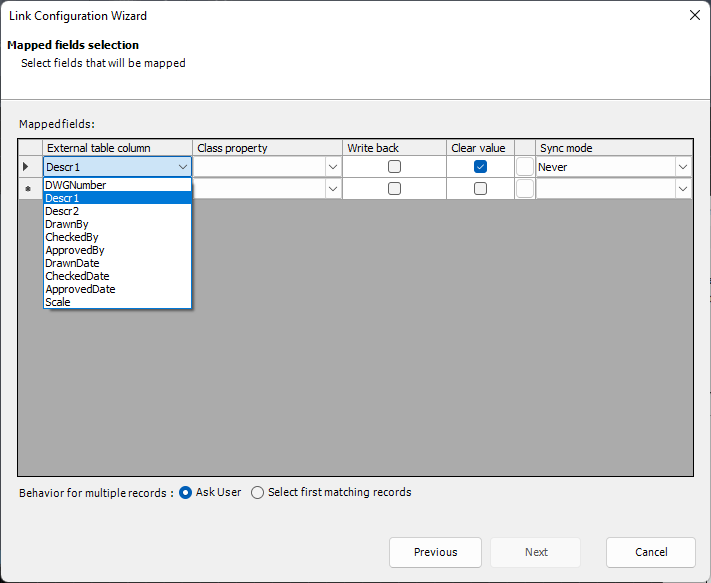
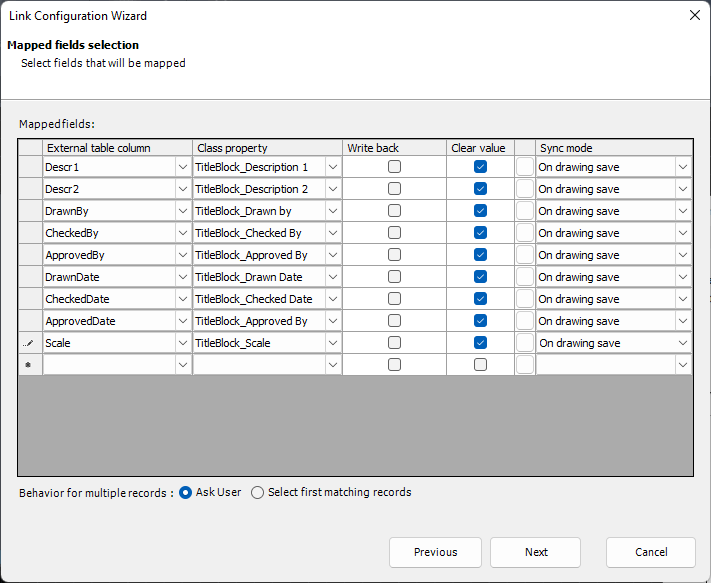
Next we define the columns from the table and map them to the drawing properties. The option Behaviour for multiple records controls what should happen, if there are more than one suitable rows/datasets. The default setting is Ask User. In this case the PlantLink - External Database Viewer dialog will show up and the user selects the correct row/dataset. When using Select first matching record PlantLink will just use the first of the found candidates from the table.
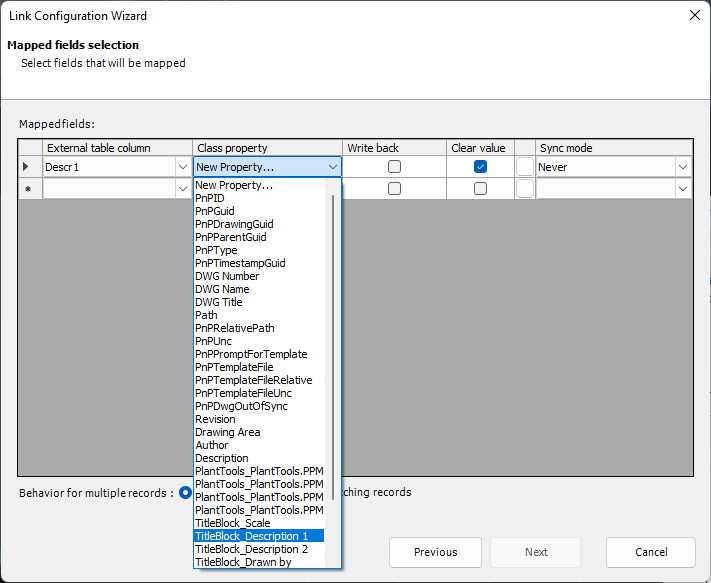
You select the column and the class property to which the columns should be mapped. The option Write back allows you to later edit the mapped values and have them written back into the table (see Mapping Options). The option Clear Value deleted an existing value in case PlantLink cannot find a suitable row/dataset (see Mapping Options).
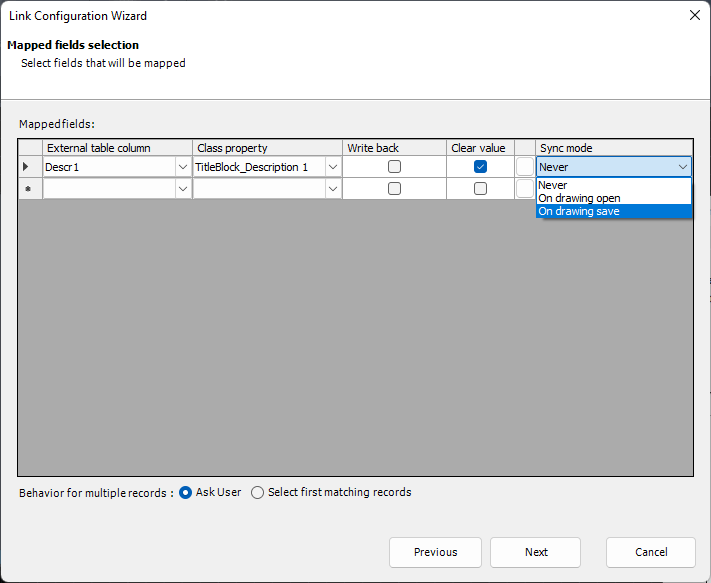
For Sync Mode we use On drawing save. This ensures, that the mapping for those properties will be refreshed when the drawing is saved, or closed and saved. So when you close and save your drawing, your mapped properties are up-to-date. More details about Sync Mode can be found under Mapping Options.
Finally we mapped all columns to properties.
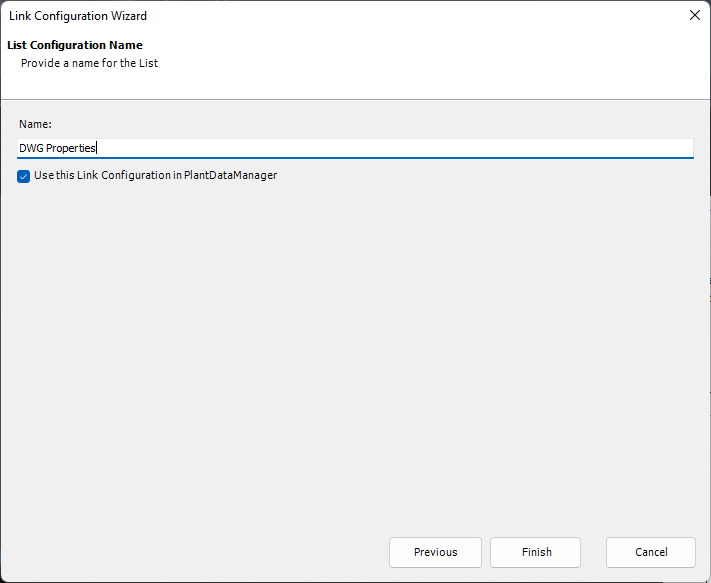
Lastly, we define the name of the Link Configuration. The option Use this Link Configuration in PlantDataManager tells PlantDataManager if this Link Configuration can also be used in PlantDataManager.
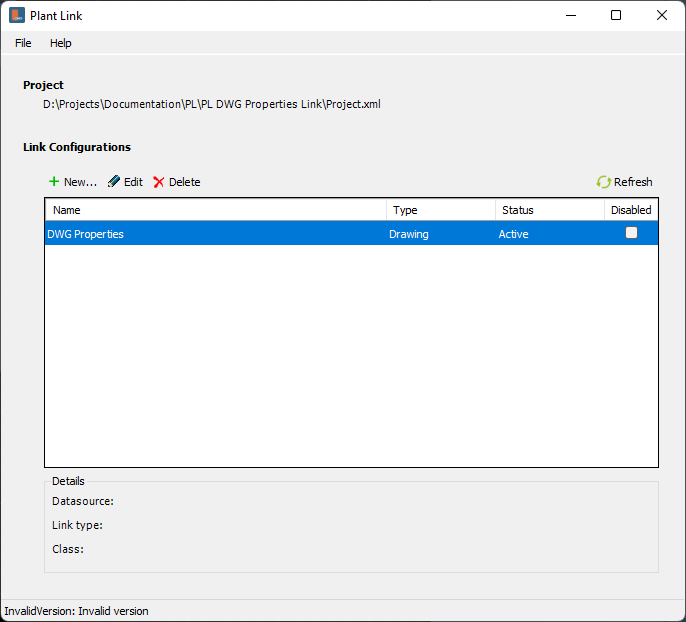
We now see the Link Configuration in the main dialog of PlantLink and it shows Active. The Link Configuration appearing in alphabetical order. This can become important when Link Configurations depend on each other and must be executed in a certain order (see Rename, Edit, Delete, Deactivate Link Configurations).
|
Testing the Link Configuration
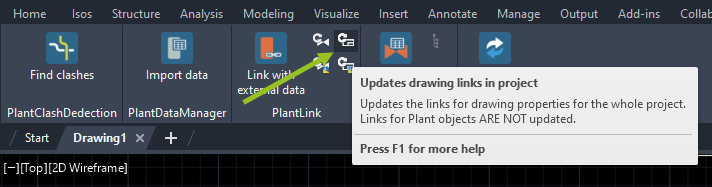
For the test we will update the drawing properties in the whole project by clicking on the Updates drawing links in project.
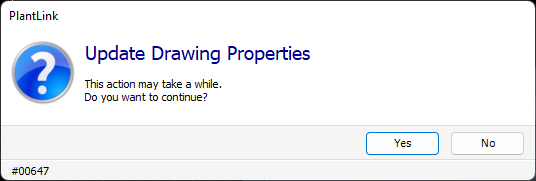
A dialog will appear and asks you if you want to continue, because PlantLink will now open one drawing at a time, update the drawing properties, and save & close the drawings.
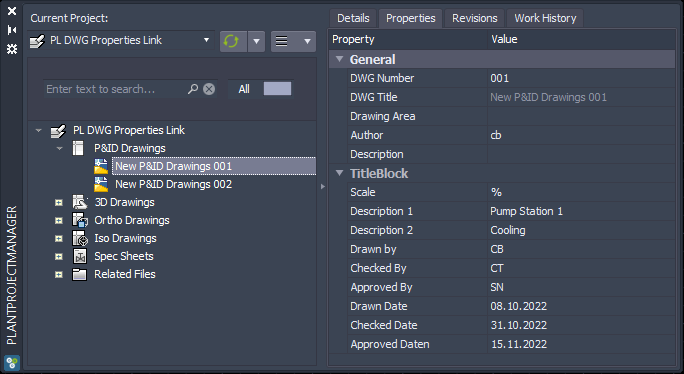
And this is the final result.
|
Next Chapter: Use SQL-Server